
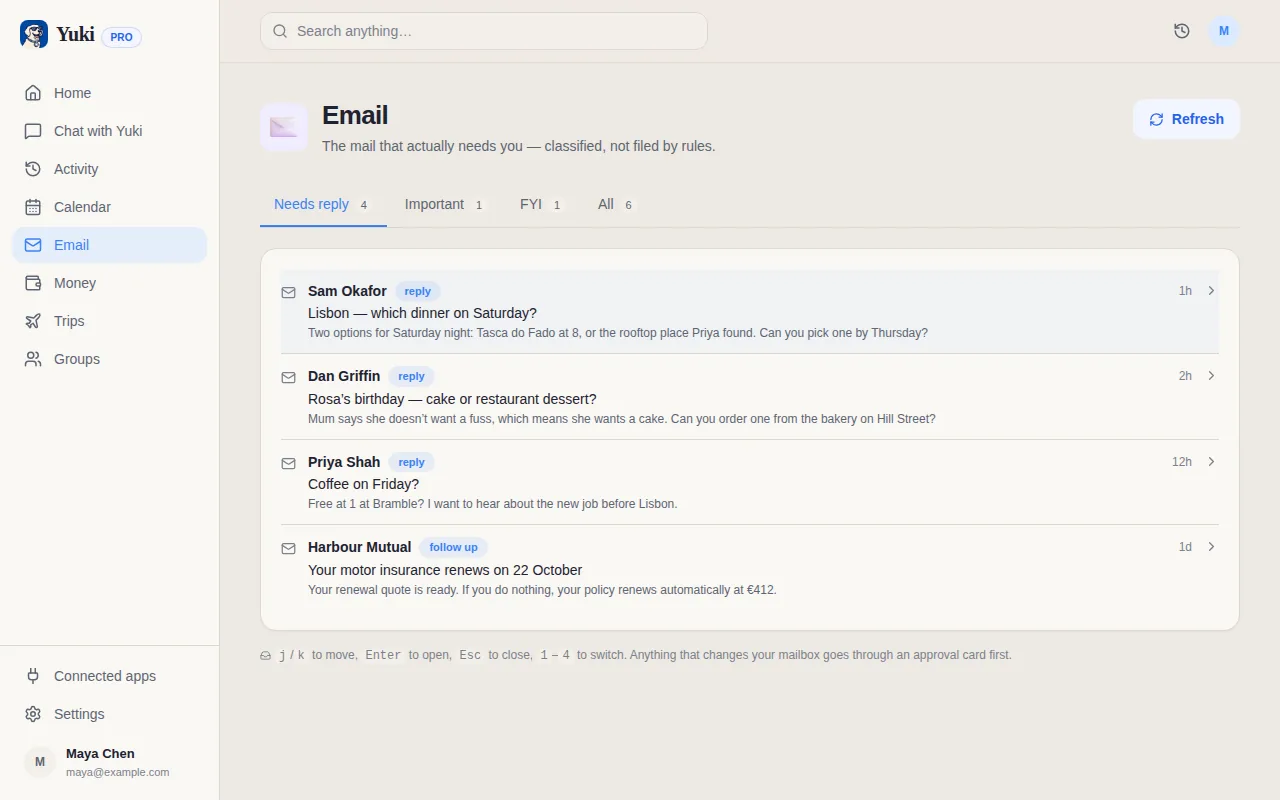
The short version: Yuki cannot connect to Outlook yet. Support for Outlook.com, Hotmail and Microsoft 365 is a planned integration and it is genuinely coming, but it is not live today and there is no setting, beta or support request that will enable it early. If you landed here hoping to link a Microsoft inbox, that is the honest answer before you spend time trying.
Why this page exists anyway
Because the question is a fair one, and because the rest of Yuki works whatever your email provider is. Inbox sync is one input into Yuki, not the whole product — quite a lot of what people use it for every day never touches email at all.
What works today, with or without a connected inbox
- The calendar, tasks and reminders — added by you, by voice, or in plain language
- Trips you create yourself, with flights, hotels, documents and a day-by-day timeline
- Shared groups for a family, a couple, flatmates or a trip crew, with expense splitting and settle-up
- Receipt scanning and bank statement import, which read a photo or a PDF rather than an inbox
- Budgets, subscriptions and financial goals you enter or import
If you have a Gmail address too
Connect that one. A lot of people keep work mail in Outlook and personal mail in Gmail, and it is personal mail that carries the flight confirmations, delivery notifications, restaurant bookings and subscription renewals Yuki turns into a calendar, trips and expenses. Connecting the Gmail account gets you most of the value even while the Outlook inbox stays where it is.
The forwarding workaround
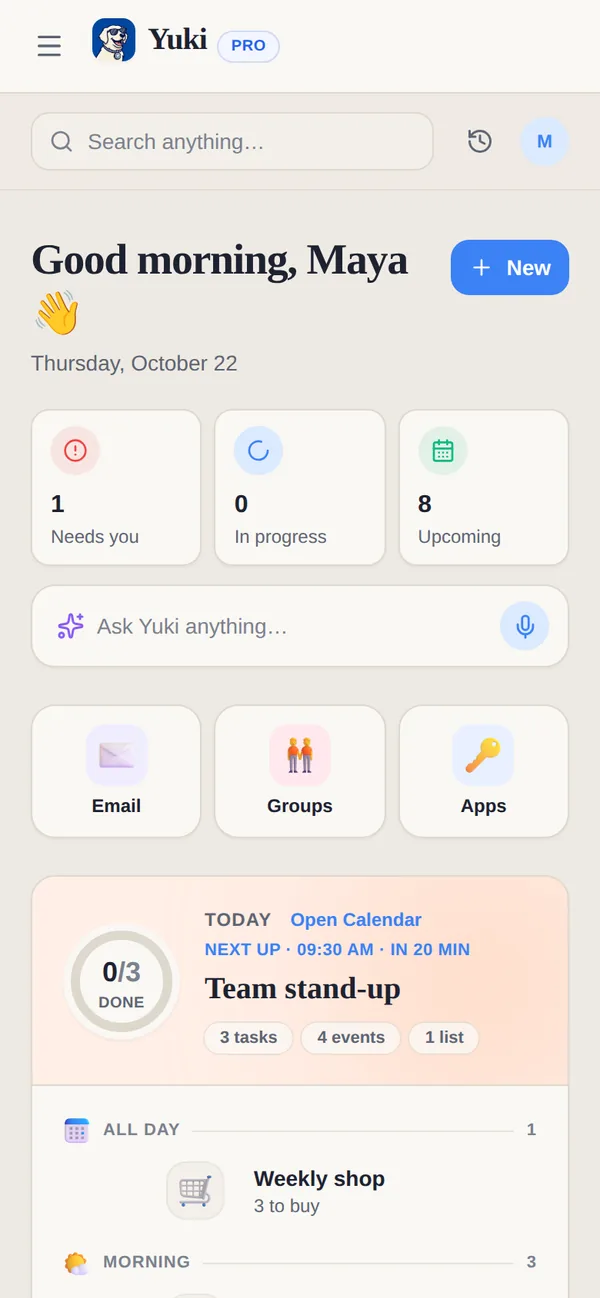
If your travel and shopping mail really does land in Outlook, you can forward it to a Gmail address that Yuki is connected to. Outlook's own forwarding rules will do it, and Yuki reads a forwarded confirmation much like a direct one. Treat it as a stopgap rather than a supported setup: forwarded mail sometimes arrives with the original formatting altered, and that can make a booking reference or an amount harder to read cleanly.
How to hear when Outlook lands
Install Yuki and keep an eye on the release notes — every new integration ships there first. If you would rather not install anything yet, this page is updated when the status changes, so a bookmark works too.
And if Outlook support is the one thing standing between you and using Yuki properly, say so in the app's feature request form. Demand genuinely moves the order things get built in.