
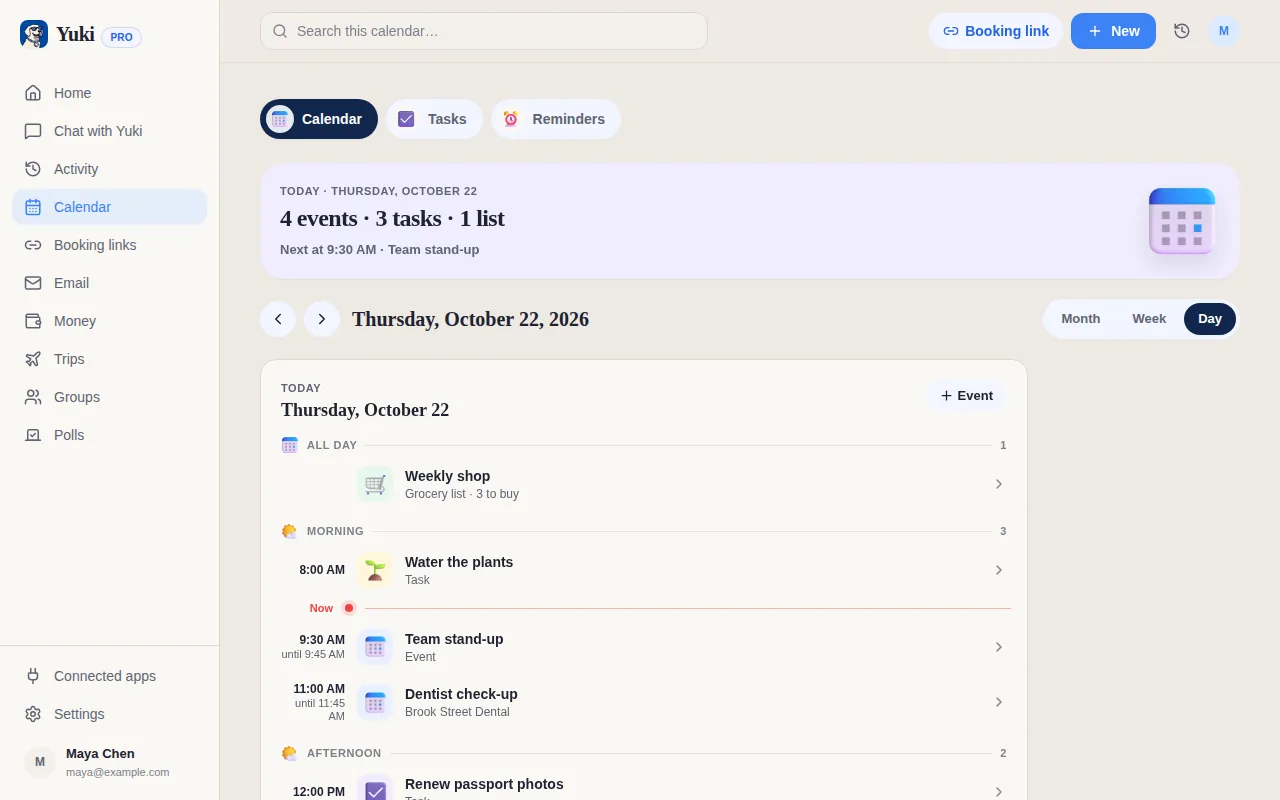
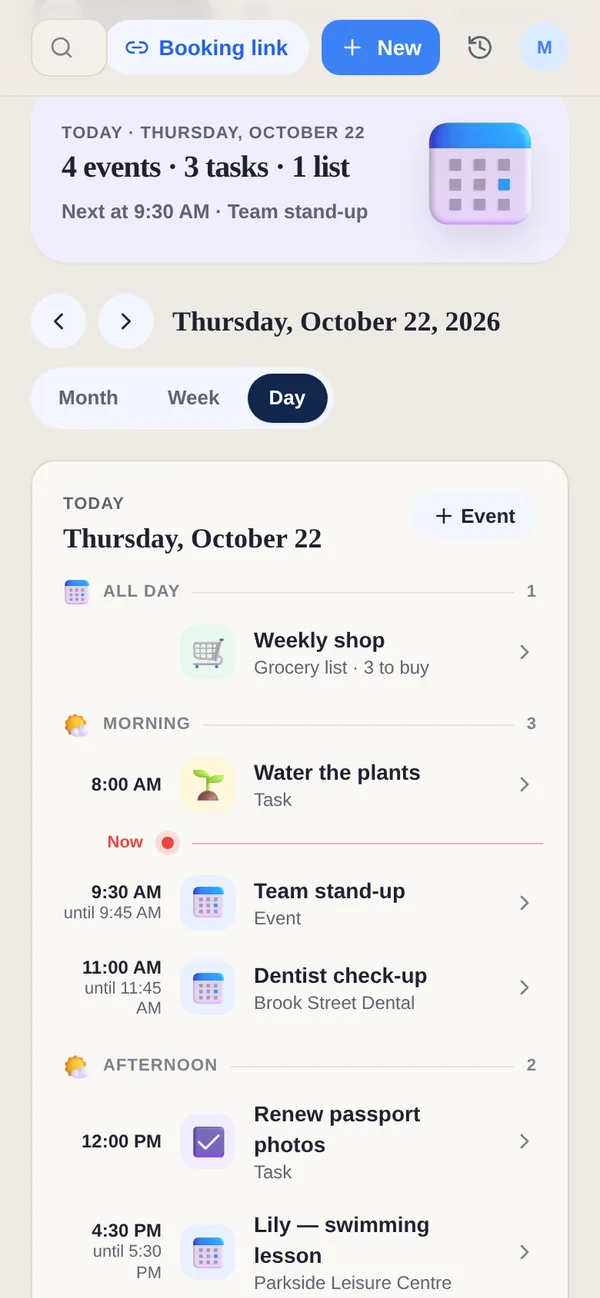
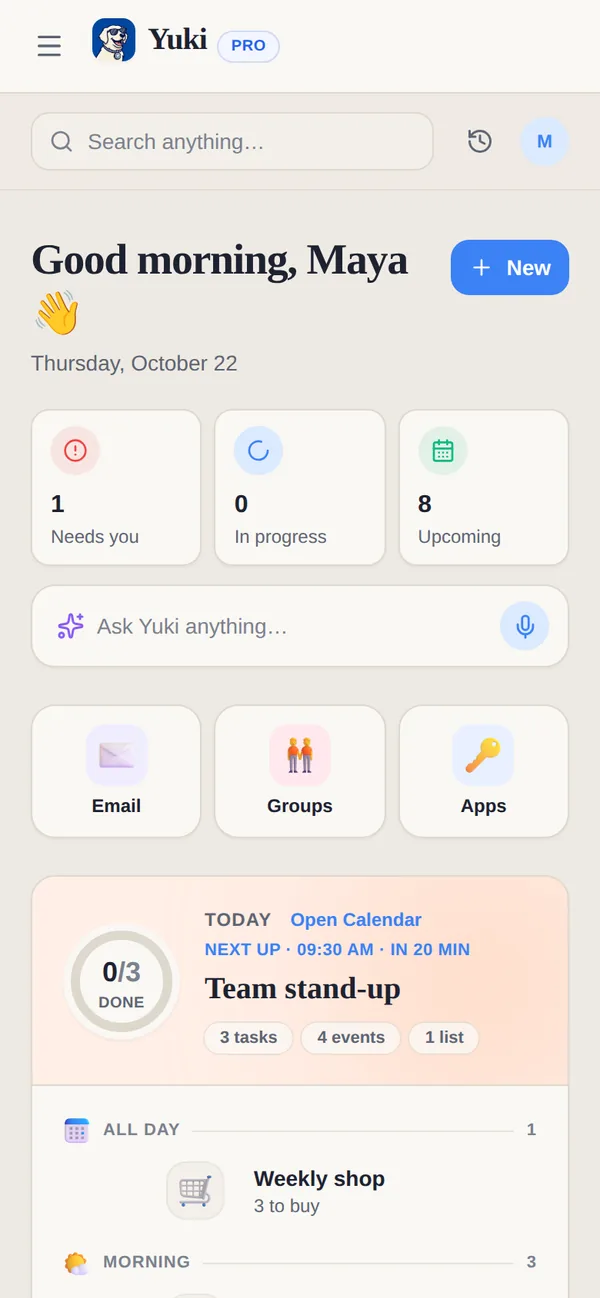
Notion Calendar (formerly Cron) is a beautifully designed, free front-end that unifies your Google, Outlook and iCloud calendars and Notion databases with fast keyboard navigation. But it's still a view on calendars you fill in yourself. Yuki assembles the schedule for you — reading your inbox into a live calendar, trips, expenses and shared plans. Notion Calendar helps you see your schedule; Yuki helps build it.
| Feature | Yuki | Notion Calendar |
|---|---|---|
| Auto-creates events from your email | ||
| Two-way Google Calendar sync | ||
| Connects Outlook & iCloud calendars too | ||
| Notion database integration | ||
| Expense & subscription tracking | ||
| Trip itineraries from bookings | ||
| Shared groups for family / roommates | Shared plans, lists & groups | Scheduling links & shared calendars |
| Natural-language AI assistant | Yuki AI | |
| Platforms & price | iOS, Android + web; free to start | Mac, Windows, Web, iOS, Android, free |
Choose Yuki if…
- You want your calendar, trips and expenses built automatically from the bookings and bills already in your inbox, not typed in by hand
- You coordinate everyday life with a partner, family or roommates and want shared plans, lists and reminders in one place
- You want to cut the mental load of tracking subscriptions, bills, birthdays and travel details across apps
Choose Notion Calendar if…
- You already organize your work and life in Notion and want a fast, beautiful calendar that surfaces your Notion databases alongside events
- You want a keyboard-driven desktop and web calendar with excellent time-zone and scheduling-link tools
- You want one polished front-end that unifies your Google, Outlook and iCloud calendars, and mainly need a better view for calendars you already keep up to date yourself rather than automatic capture from email
Accurate as of July 2026. Product capabilities change — check each app’s current site for the latest.
Frequently asked questions
Does Notion Calendar create events from my email like Yuki?
No. Notion Calendar is a calendar client — it displays and edits events from your Google, Outlook and iCloud calendars and shows your Notion databases, but you still add events yourself. Yuki connects to Gmail and creates calendar events, trips and expenses automatically from confirmations and receipts.
Can I use both together?
Yes. Yuki writes two-way to your Google Calendar, so events Yuki creates from your inbox will appear inside Notion Calendar just like any other Google Calendar event. Many people let Yuki do the capture and use Notion Calendar as a desktop view.
Does Yuki have a desktop or web app like Notion Calendar?
Yuki has a web app at yukihq.com alongside its iOS and Android apps, but no downloadable desktop app. Notion Calendar offers Mac and Windows apps as well as the web, which is a real advantage if you want a desktop calendar.