
Last reviewed: 29 September 2026. Calendly plan details are from Calendly's own pages as of September 2026. Features and plans change — check each vendor's site for the current details. Calendly is a trademark of its owner; it is named here only to compare products.
The one-line version
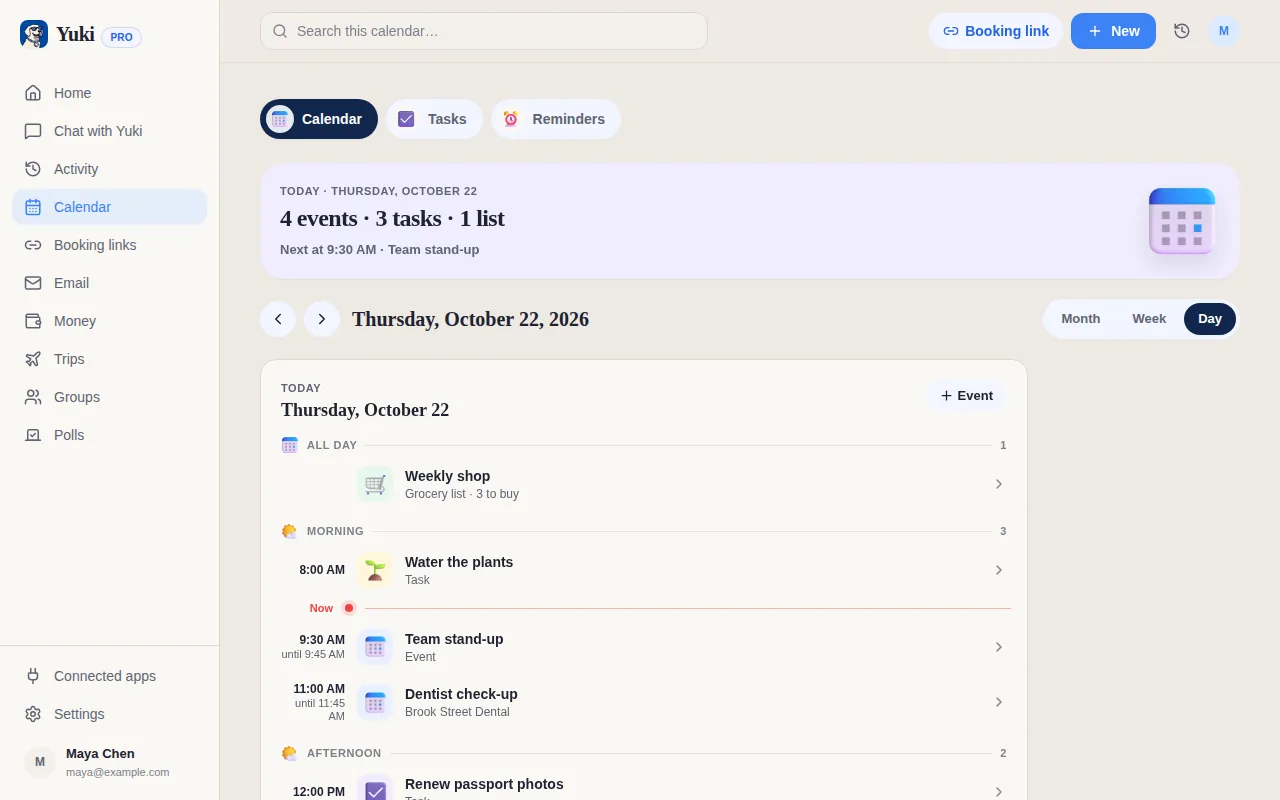
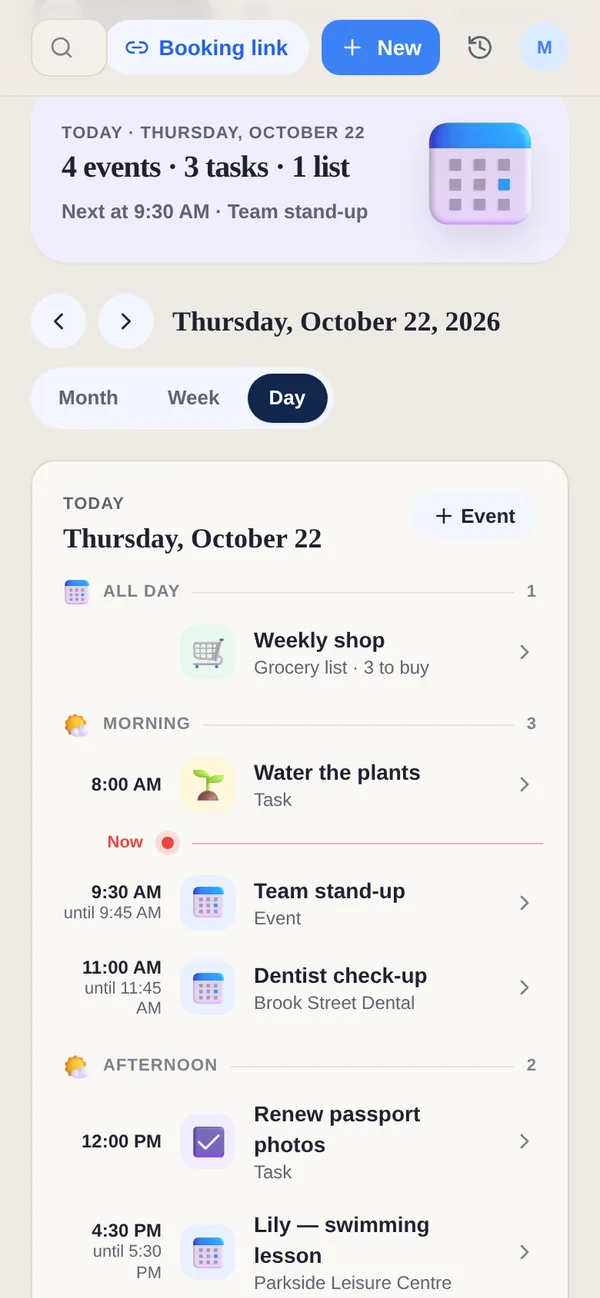
Calendly is a dedicated scheduling platform, used by individuals and by whole companies. Yuki is a personal app for your whole day with booking links and polls built in, so a booking ends up next to everything else you're keeping track of.
Side by side
A “—” means not applicable or not something we can confirm — not that the product lacks it.
| Feature | Yuki | Calendly |
|---|---|---|
| Booking link people can book from | ||
| Invitees book without an account | ||
| Only your free times, in the invitee's time zone | ||
| Cancel or reschedule from a link | ||
| Timed tasks count as busy | — | |
| Free plan | 1 active booking link | 1 active event type |
| Google Calendar | Pro | |
| Google Meet link on the booking | Pro | |
| Microsoft Outlook calendar | Not yet | |
| Polls to find a group date | Meeting Polls | |
| Team scheduling: round-robin and routing | ||
| Take a payment when someone books | ||
| Enterprise administration | ||
| Calendar, tasks, email, money, trips and groups in one app | — | |
| Turns email confirmations into calendar events | — | |
| AI assistant for your own plans | — | |
| EU customers' data is stored in the EU | — | |
| Web and mobile apps |
Where Calendly is stronger
- Scheduling is the whole product, refined over many years.
- Many kinds of event type and meeting, and availability you can shape in detail — even on its free plan you get unlimited meetings on your one event type.
- Team scheduling — round-robin, routing and centrally managed event types — plus enterprise administration.
- Payments at the point of booking, for anyone who sells their time.
- Workflows for reminders and follow-ups.
- A large library of integrations, including Microsoft Outlook and the CRM and video tools many businesses use.
Where Yuki is different
- An all-in-one assistant: calendar, tasks, email, money, trips and shared groups, with booking links and polls in the same app.
- Your events and timed tasks count as busy, so nobody books over the things already in your day.
- Bookings land in your Yuki calendar, next to your tasks, email and plans; cancelled bookings free their slot.
- Polls anyone can vote on from a link, and group polls for your Yuki groups.
- Your calendar also fills itself: Yuki turns confirmations in your Gmail into events, trips and expenses.
- An AI assistant that answers from your own plans, not in general.
- EU customers' data is stored in the EU, and Yuki trains no AI model on your data.
Which to choose
If you schedule for a team, take payments at booking, need several event types for free, or rely on Calendly's integrations and workflows, Calendly is built for that. If you want your own bookings in the same app as the rest of your life — with your tasks, email and group plans beside them — Yuki is built for that.
Frequently asked questions
Does Yuki have a booking link like Calendly?
Yes. Share one Yuki booking link and people open it on the web without an account, see only your free times in their own time zone, and book with their email. The booking lands in your Yuki calendar — and, on Pro, in Google Calendar with a Google Meet link if you want one. Either side can cancel, and the booker can reschedule from their link.
Where is Calendly stronger than Yuki?
In most things to do with scheduling itself. Calendly is mature, with many kinds of event type and detailed availability, team scheduling such as round-robin and routing, payments at booking, workflows for reminders and follow-ups, enterprise administration and a large library of integrations, including Microsoft Outlook and CRMs. If you schedule for a team or sell your time, Calendly is built for that.
Why would I choose Yuki instead?
If you want scheduling inside the app you already run your day in. In Yuki a booking lands next to your tasks, email, expenses, trips and shared groups; your events and timed tasks count as busy, so nobody books over them; polls for finding a group date are in the same app; and Yuki's AI assistant answers questions about your own plans. For EU customers, their data is stored in the EU.
How do the free plans compare?
According to Calendly's own pages in September 2026, Calendly Free includes one active event type and one calendar connection, and paid plans add more event types and calendars. Yuki's Free plan includes one active booking link, with bookings in your Yuki calendar; the link expires after 7 days and can be renewed. Yuki Pro adds more links, Google Calendar and Google Meet, and links that don't expire. Plans change — check each vendor's site for current details.
Will people booking with me need a Yuki account?
No. The person booking uses a web page, gives their email and optionally a name and a note, and gets a link to change or cancel that also needs no account. You need a Yuki account to create the link, on your phone or on the web.
How do the prices compare?
We do not list Calendly's prices here, because plans and prices change — check calendly.com for current ones; its paid plans are priced per seat. Yuki has a free plan, and Pro prices for every region are on yukihq.com/pricing.