
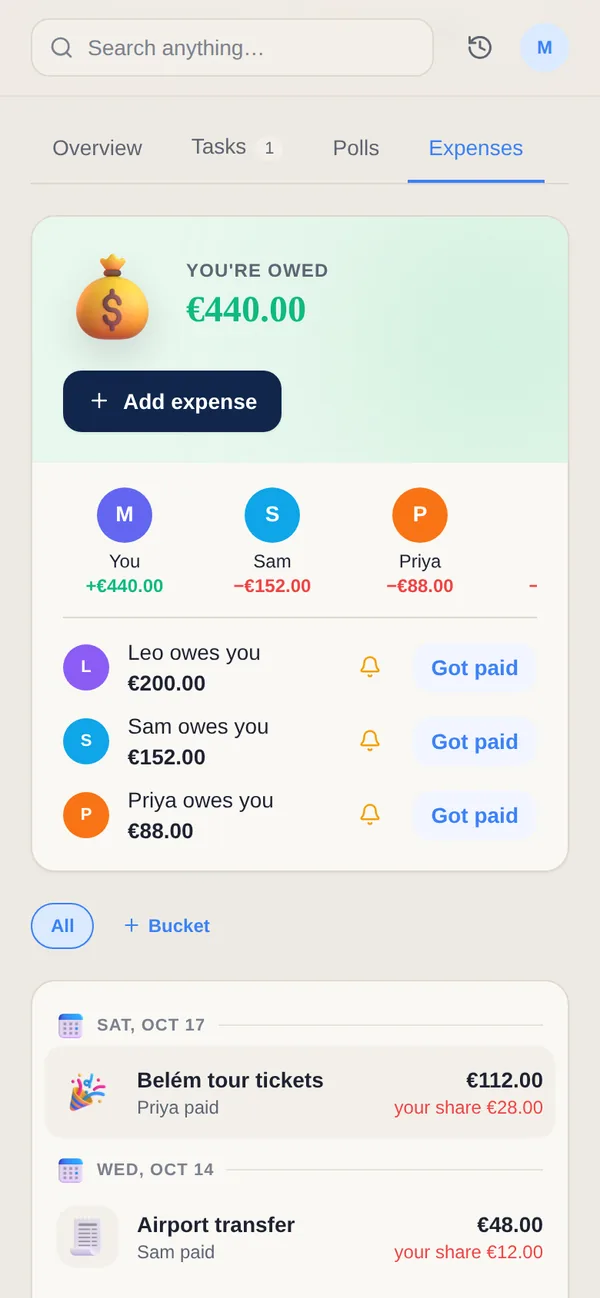

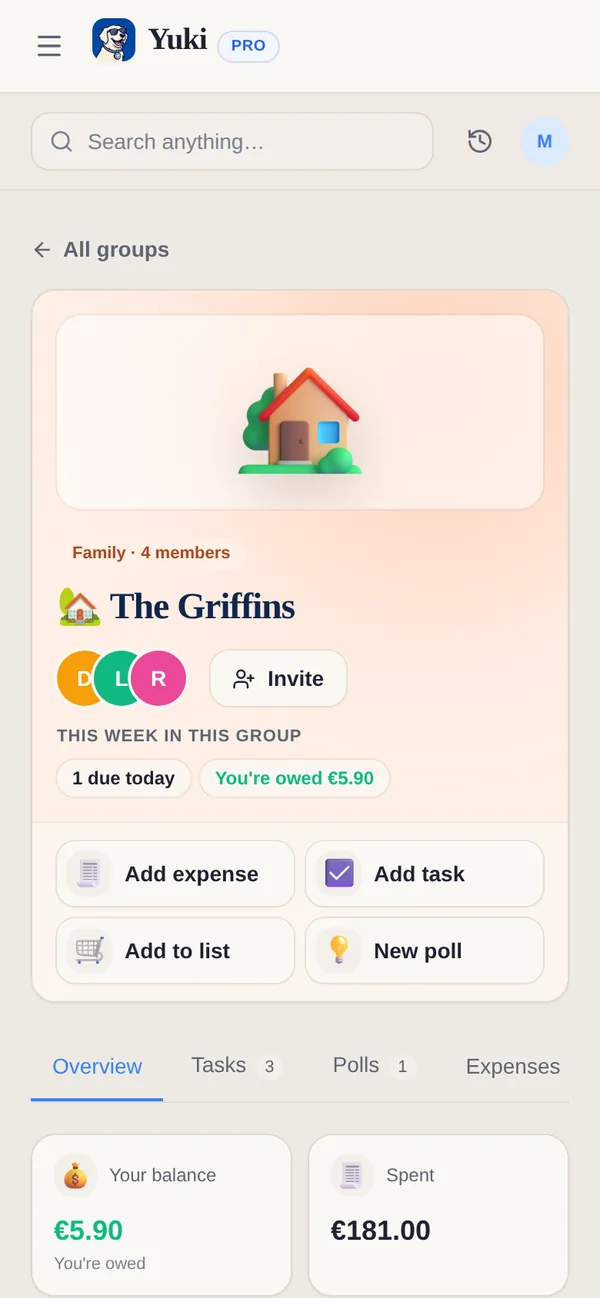
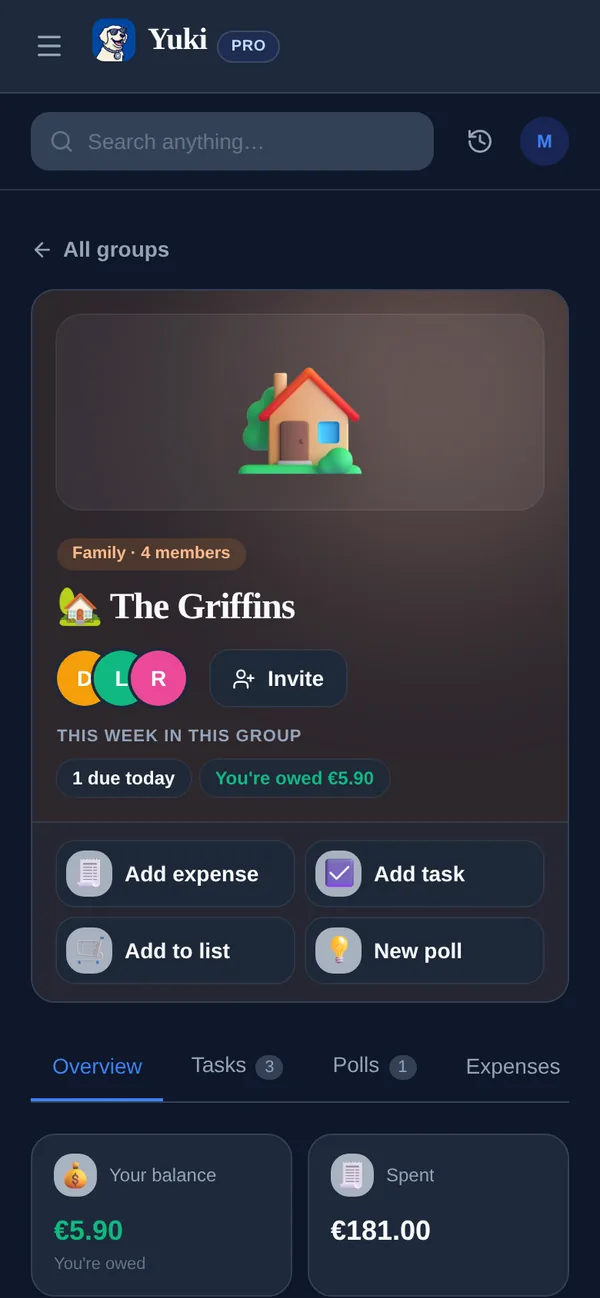
If your only goal is splitting a dinner or the rent and tracking who owes whom, Splitwise is excellent — precise balances, a debt-simplification algorithm, a web app and easy settle-up. Yuki is broader: it reads your inbox to run a shared calendar, trips, tasks and expenses, with its own Splitwise-style splitting and settle-up built in, so shared costs live next to the plans they belong to. Keep Splitwise for the deepest standalone IOU math; for many people, Yuki handles both the plans and the money in one place.
| Feature | Yuki | Splitwise |
|---|---|---|
| Auto-creates entries from your email inbox | ||
| Two-way Google Calendar sync | ||
| Split expenses, per-person balances & settle-up | Yes — core strength, detailed | |
| Multiple currencies | ||
| Debt-simplification algorithm | ||
| Trip itineraries & subscription tracking | ||
| Natural-language AI assistant | ||
| Platforms | iOS, Android + web | iOS, Android + web |
| Price | Free to use; optional Pro | Free tier; Splitwise Pro paid |
Choose Yuki if…
- You want one place that turns inbox confirmations into a calendar, trips, tasks and expenses automatically — and can split and settle shared costs in the same app
- You share everyday logistics — not just costs — with a partner, family, co-parent or roommates
- You'd rather reduce the mental load of planning than manually enter every transaction
Choose Splitwise if…
- Standalone, precise splitting is your main need — Splitwise is purpose-built, and its simplify-debts and settle-up flows are best in class
- You want Splitwise's deepest standalone splitting — its debt-simplification algorithm and long-refined balances
- You only ever need to split costs and want an app dedicated to that alone
Accurate as of July 2026. Product capabilities change — check each app’s current site for the latest.
Frequently asked questions
Does Yuki replace Splitwise?
For many people, yes. Yuki has a built-in, Splitwise-style settle-up — create a group, add expenses, split them, see per-person balances and who-owes-whom, then settle up — right alongside your trips, calendar and tasks. Splitwise still goes deeper on pure splitting: its debt-simplification algorithm. If standalone, precise splitting is your only need, Splitwise is more specialized; if you'd rather your splitting live with the rest of your shared life, Yuki can cover it.
Can Yuki track expenses from my email automatically?
Yes. Yuki connects to Gmail and turns receipts, bills and subscription charges already in your inbox into tracked expenses — no manual entry. Splitwise expects you to add expenses yourself (its Pro plan can scan a photographed receipt, but it doesn't read your inbox).
Does Splitwise have a calendar or trip planner?
Not really. Splitwise lets you create a group for a trip to split its costs, but it has no calendar or itinerary. Yuki builds a two-way Google Calendar and trip itineraries from your inbox — a different job than what Splitwise is designed for.