
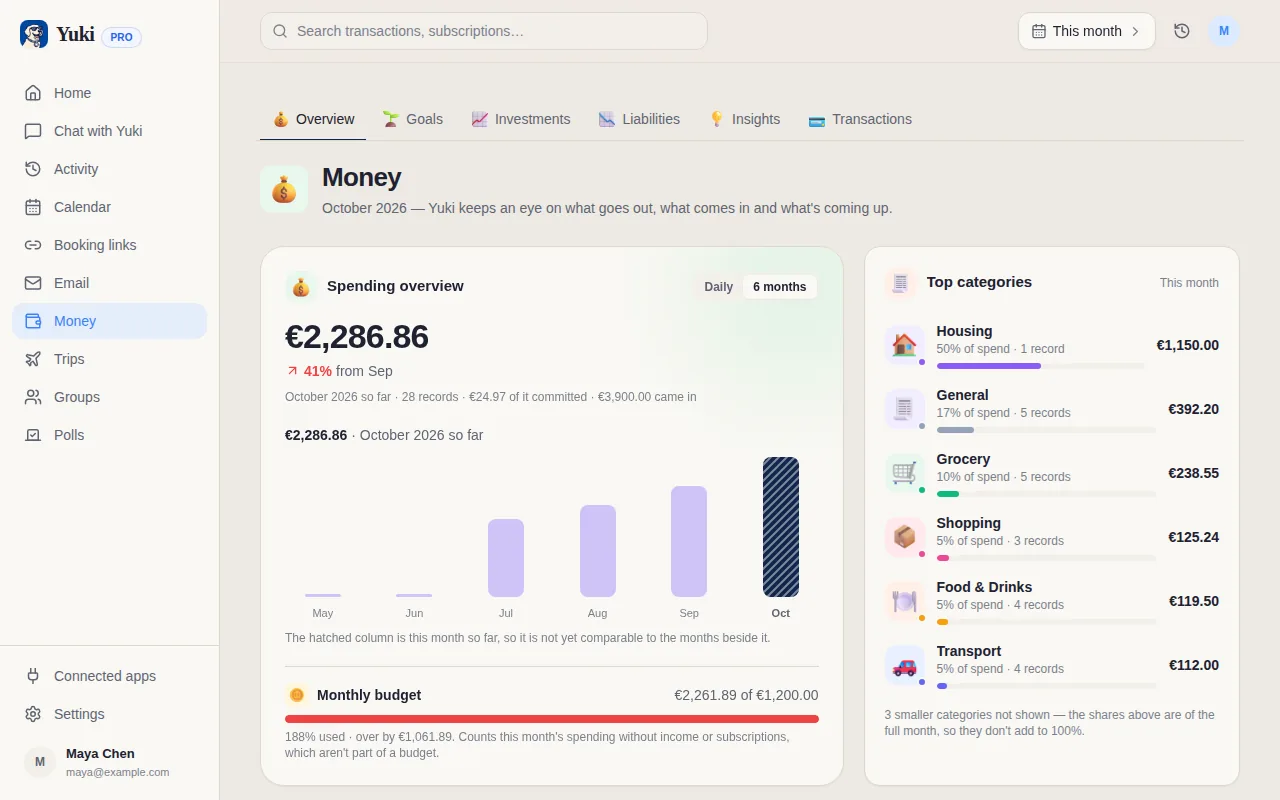
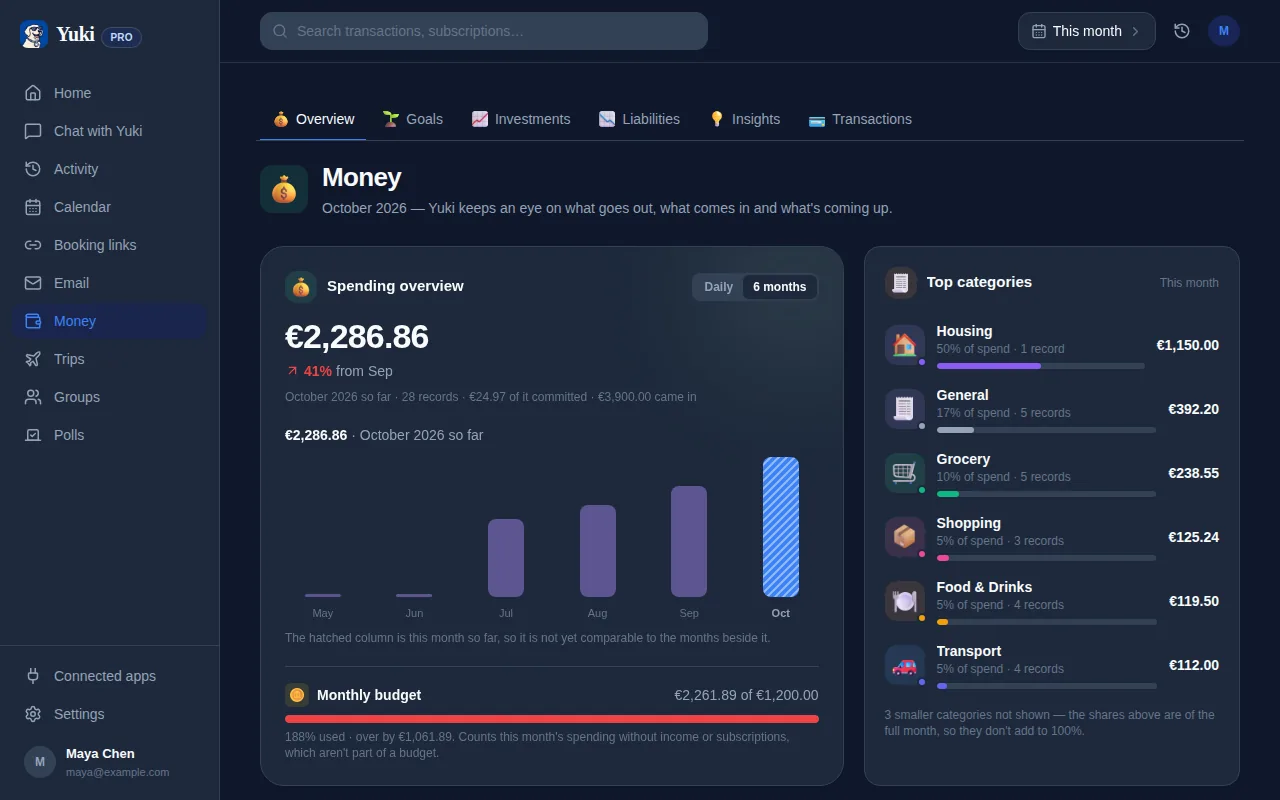
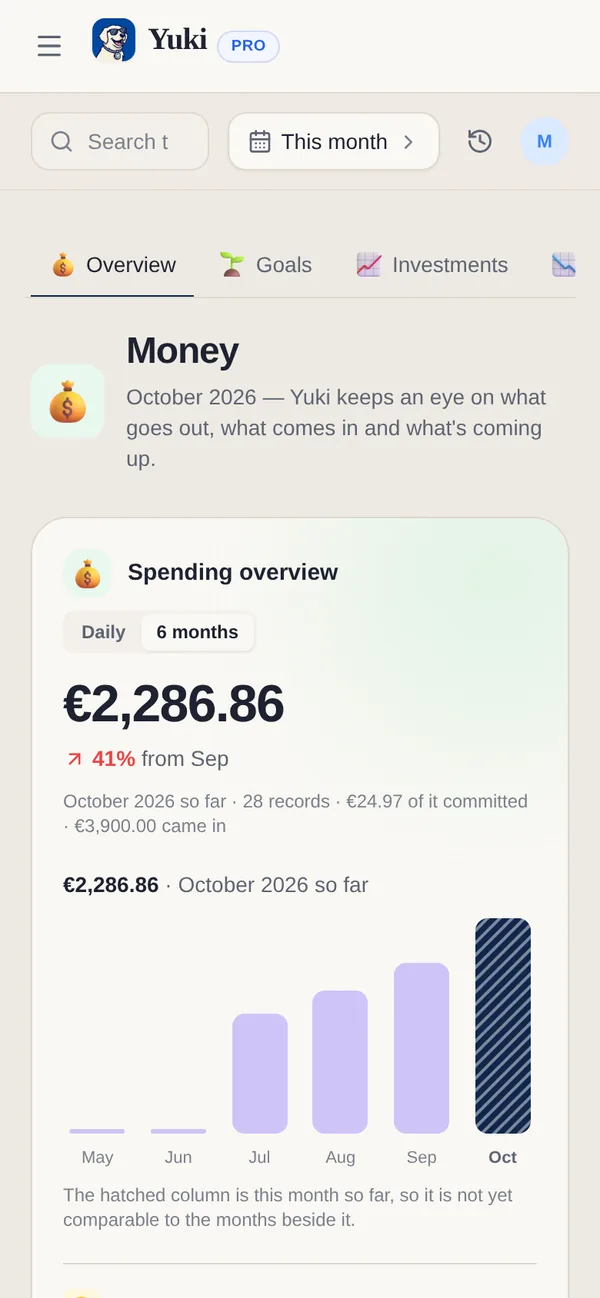
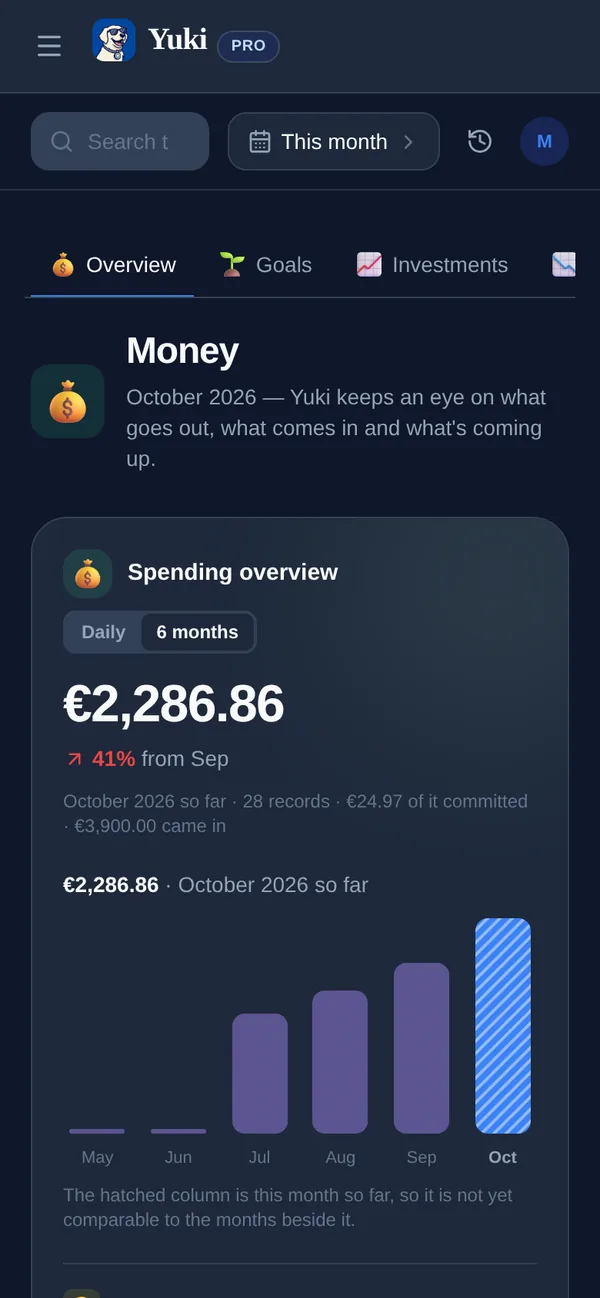
Most budgeting apps hand you a transaction list and leave you to work out what it means. Finance Home starts with the answer: a one-line summary connecting your spending, your subscriptions and your debt, then a small set of tiles you can open for the detail. Spending shows this month against your budget, with subscriptions folded in since a recurring charge is money that actually left your account this month too. Liabilities — a loan, a credit card balance, anything you owe — is tracked on its own, separate from day-to-day spending.
What you get
- Spending vs. budget — this month's total against the daily or monthly budget you set, with a trend so you know if you're on track before the month ends.
- Subscriptions, counted once — recurring charges are part of spending (they're real money that left your account) and shown separately as a monthly commitment, so the two views never disagree about the same dollar.
- Liabilities — what you owe, tracked apart from spending. A loan or a credit card balance doesn't get lost inside a transaction list.
- One-line summary — a plain-language sentence relating spending, debt and (where set up) savings goals, so you don't have to do the math across three tiles yourself.
Everything still comes from your inbox
Finance Home is a view, not a new way of entering data — the transactions behind it are the same ones Yuki's email scanning, receipt capture and statement import already collect. See Yuki's expense tracker for how the transactions themselves get in.