
Finding a time with someone usually means an email thread: “Tuesday?” “Can't, Wednesday?” “Morning or afternoon?” A booking link replaces the thread with a page. You decide when you're available; they pick a time that suits them; the meeting appears in your calendar.
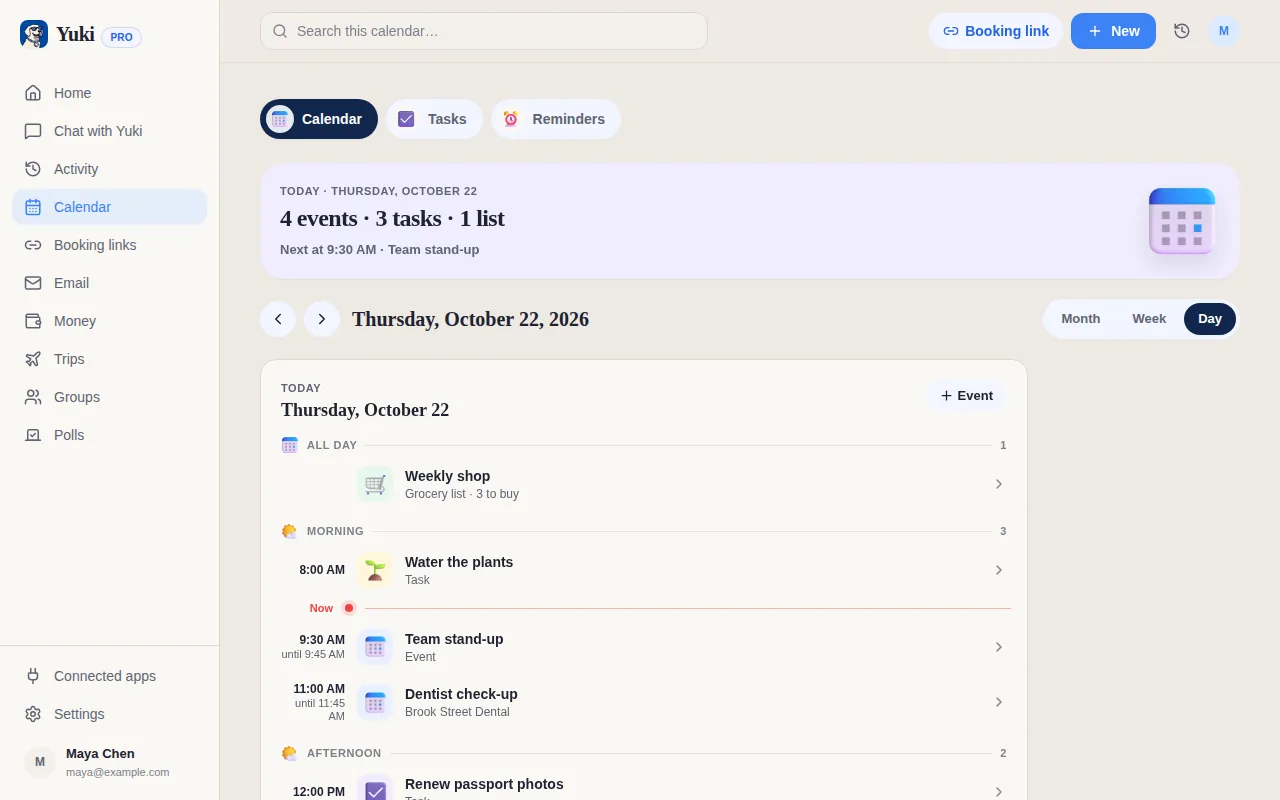
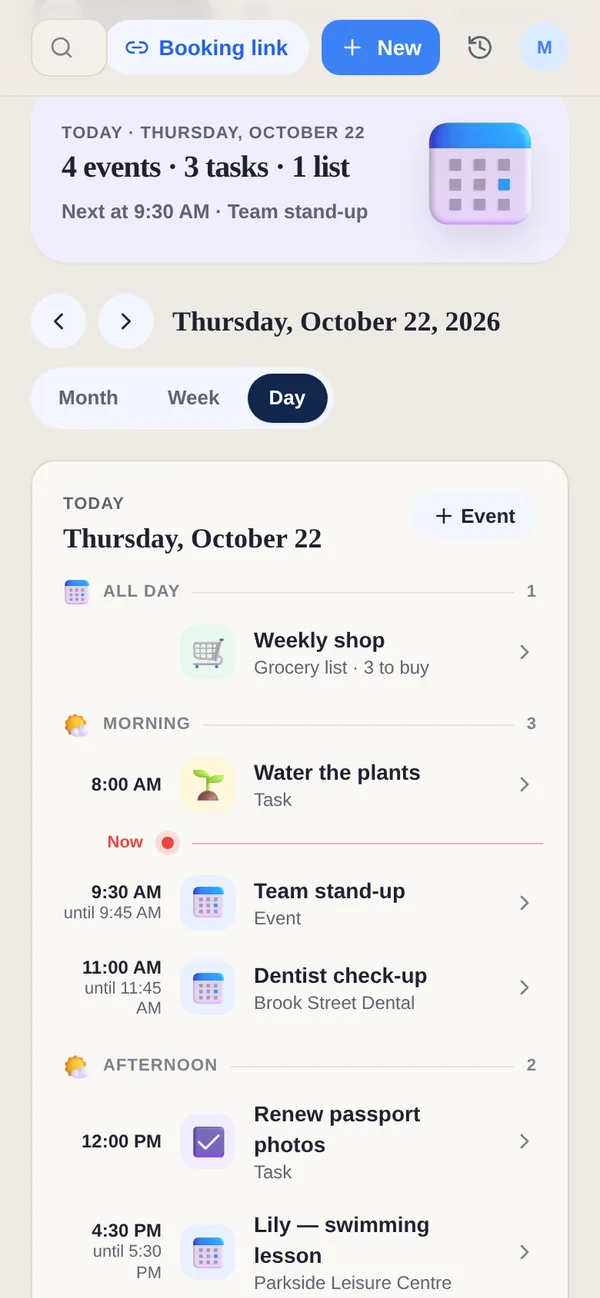
Yuki's booking links live in the app you already run your day in, so a booking sits next to your tasks, email, trips and plans instead of in a separate scheduling tool — and the things already in your day keep people from booking over them.
How it works
- 1In Yuki on your phone or on the web, create a booking link: a name, how long the meeting is, and the hours you are available each week.
- 2Share the one link — in an email, a message or your signature.
- 3The other person opens it in a browser, sees only your free times in their own time zone, and books with their email.
- 4The booking lands in your Yuki calendar. Either of you can cancel, and they can move it to a new time from their link.
What the person booking sees
- Only your free times — never what's in your calendar.
- Their own time zone — so nobody does the arithmetic.
- No account and no app — a web page in their language, their email, and an optional name and note.
- A link to change or cancel — no login to find, no email back to you.
Busy means busy
- Events and timed tasks count as busy, so nobody books over them. Timed reminders too.
- Your other bookings count, with each link's buffers.
- Google Calendar, if you've connected it, counts as well.
- Cancelled bookings free their slot, so the time can be booked again.
- No double bookings — a time that's been taken is no longer offered.
Set it up your way
- Weekly hours, set once in your own time zone.
- Buffers before and after, minimum notice, how far ahead people can book, and an optional daily cap.
- Where you meet: a phone call, in person, a video link — or Google Meet on Pro.
What it is designed for
Booking links are built for your own calendar: a tutor's lessons, a coach's calls, a parent-teacher slot, coffee with someone you've just met. Outlook isn't supported as a destination yet. If you need team routing, round-robin assignment or payments at the point of booking, a dedicated scheduling tool such as Calendly is built for that — our comparison page says so plainly.