
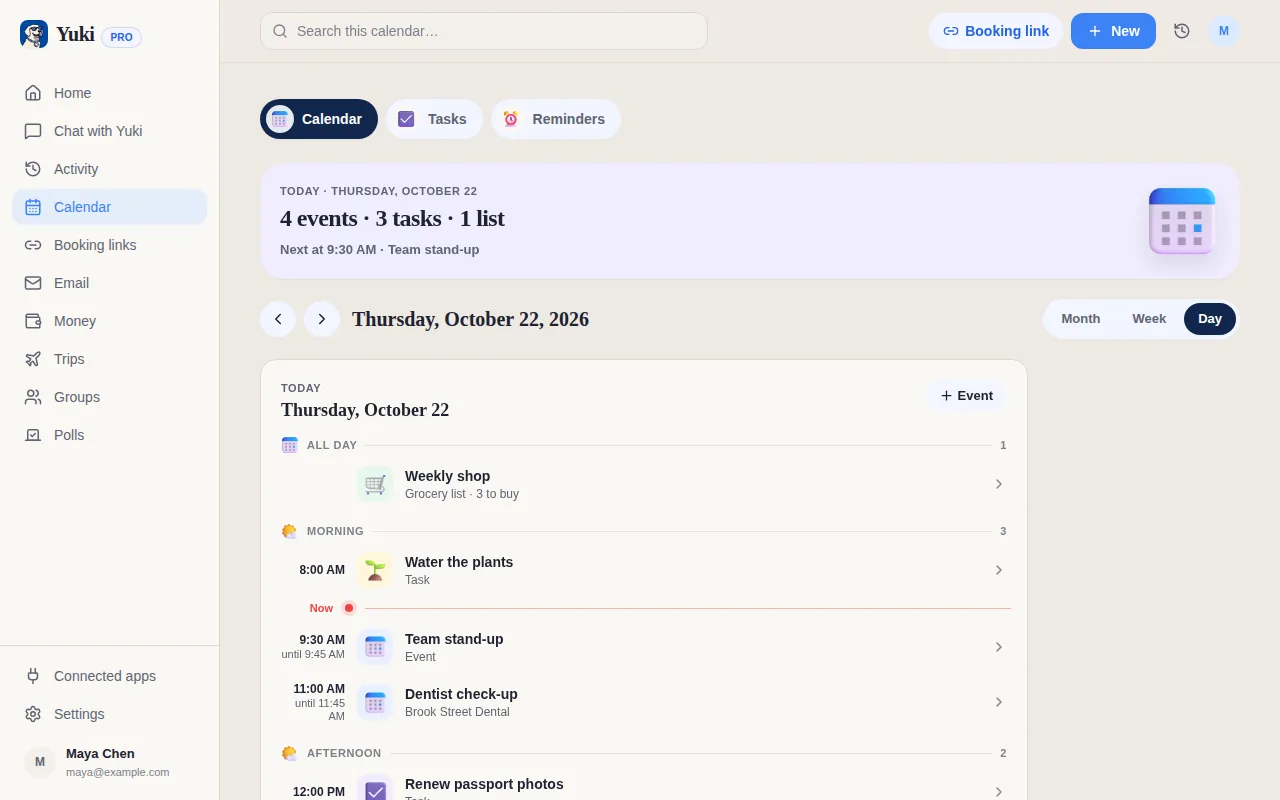
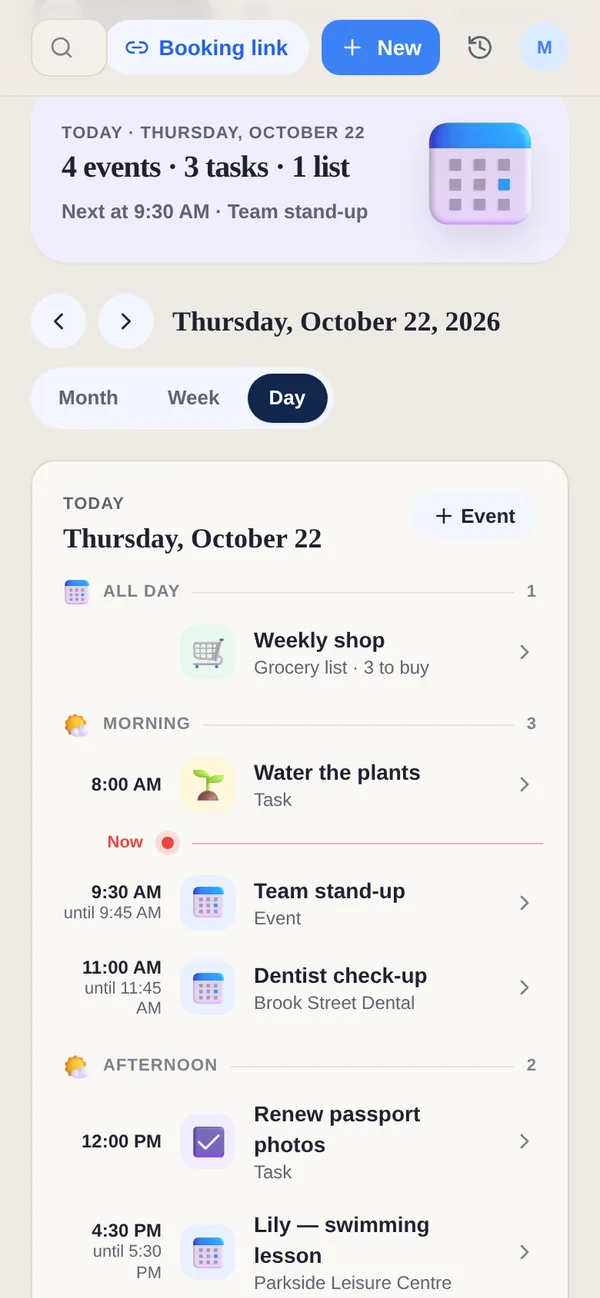
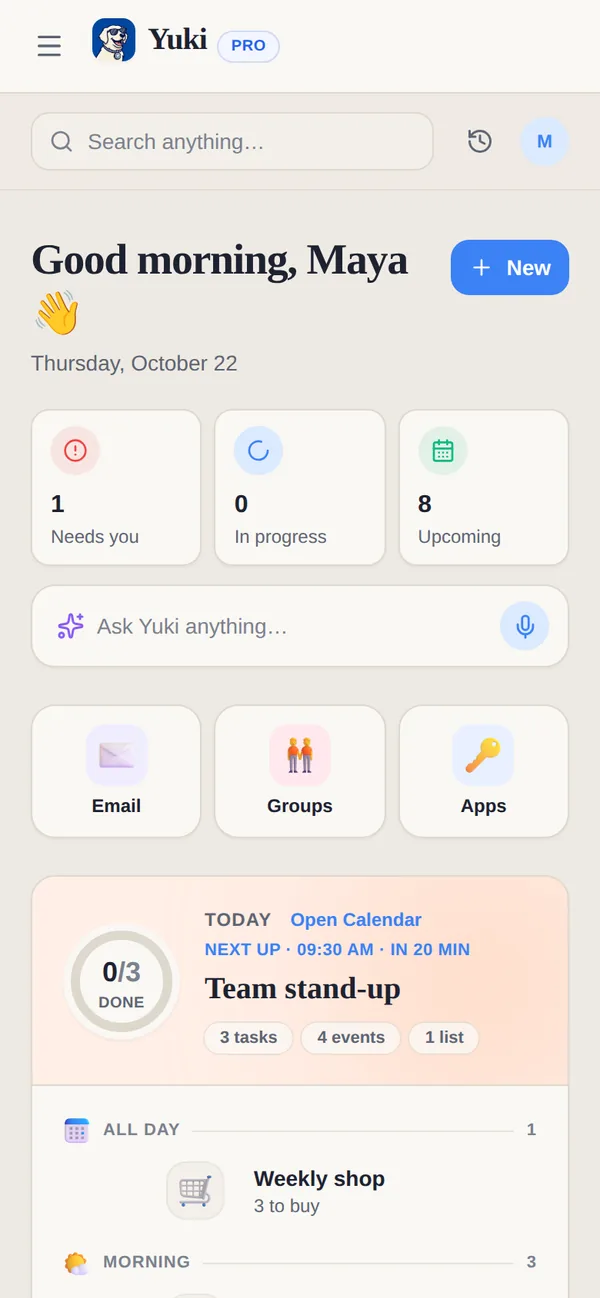
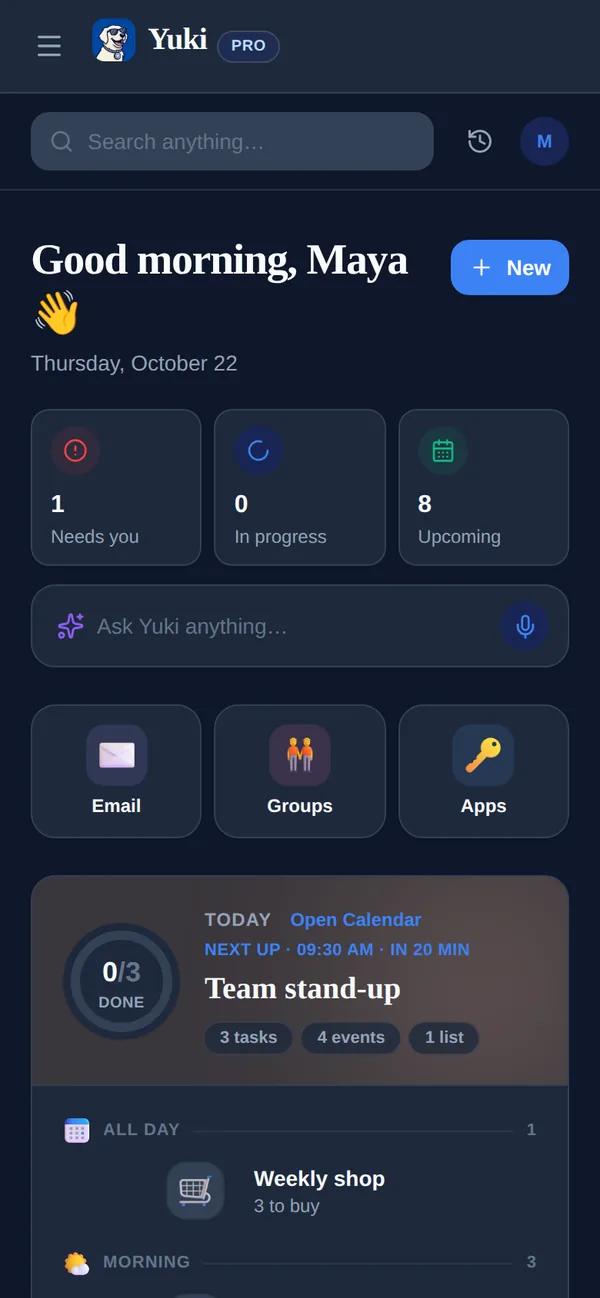
Fantastical is arguably the most refined calendar on Apple platforms — fast natural-language entry, beautiful calendar sets, scheduling links, deep device integration. Yuki isn't a nicer calendar; it's a way to stop entering one. It reads your inbox and turns confirmations and invites into a live calendar, trips, expenses and shared plans on their own. Fantastical perfects entering and viewing your schedule; Yuki keeps the schedule from being something you enter at all.
| Feature | Yuki | Fantastical |
|---|---|---|
| Auto-creates events from your email inbox | ||
| Natural-language event entry | Via Yuki AI assistant | its signature feature |
| Two-way calendar sync (Google/iCloud/Exchange) | Writes two-way to Google Calendar | full calendar client |
| Expense & subscription tracking | ||
| Trip itineraries from bookings | ||
| Shared groups for families/roommates | Shared groups + tasks & lists | Calendar sharing only |
| Platforms | iOS, Android + web | Apple (iPhone, iPad, Mac, Watch) + Windows; no Android |
| Price | Free | Free tier + Premium subscription (~$57/yr) |
Choose Yuki if…
- You want your calendar, trips, and expenses built for you from email instead of typed in by hand
- You're on Android, or you coordinate with people who are, and need one app that works across both platforms
- You want to track spending, subscriptions, and travel alongside your schedule, and share it with a partner or household
Choose Fantastical if…
- You live in the Apple ecosystem (or on Windows) and want the most polished, native calendar experience on Mac, iPhone, iPad, and Watch
- Fast, precise natural-language event entry and features like calendar sets, weather, and scheduling links matter most to you
- You prefer a focused, best-in-class calendar client rather than a broader life-organization app
Accurate as of July 2026. Product capabilities change — check each app’s current site for the latest.
Frequently asked questions
Does Fantastical read my email and create events automatically?
No. Fantastical is a calendar client — you add events yourself, though its natural-language entry makes that very fast. Yuki is built around scanning your Gmail and creating calendar events, trips, and expenses from confirmations and receipts automatically.
Is Yuki available on Android?
Yes. Yuki runs on iOS, Android and the web, and is free to start. Fantastical runs on Apple platforms (iPhone, iPad, Mac, Apple Watch) and, since late 2024, Windows — but it has no Android app and no web app, so it can't cover a household that includes Android users.
Can I use both together?
Yes. Yuki writes two-way to Google Calendar, so events Yuki creates from your inbox show up in any calendar app you point at that Google account — including Fantastical on your Apple or Windows devices.