
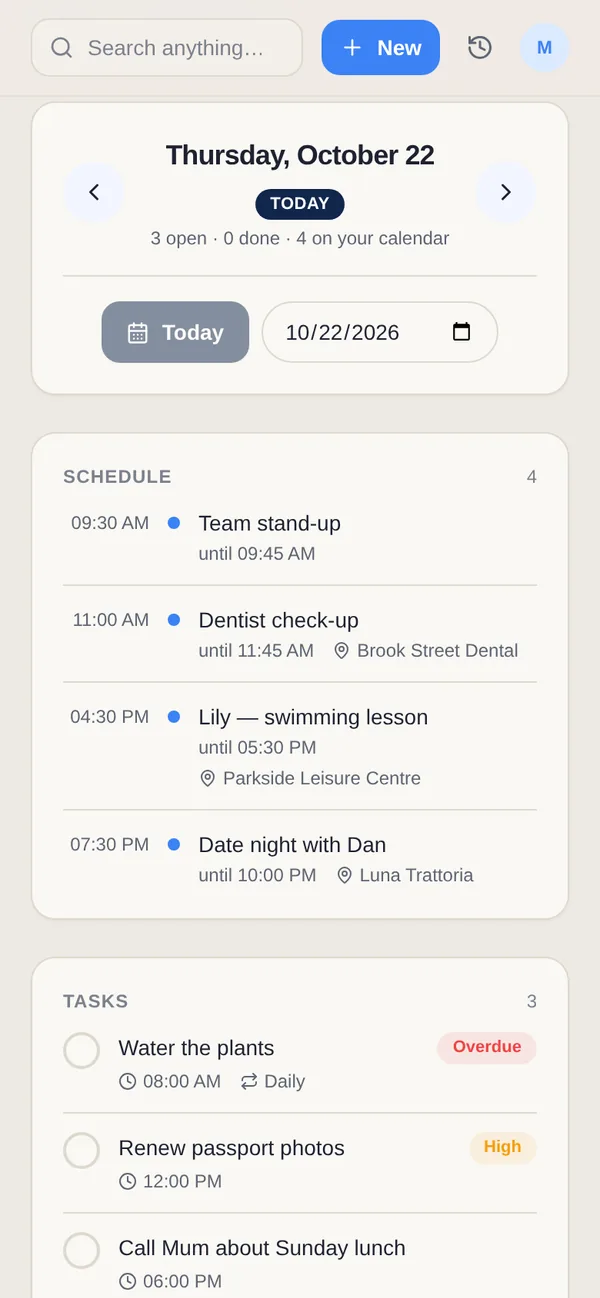
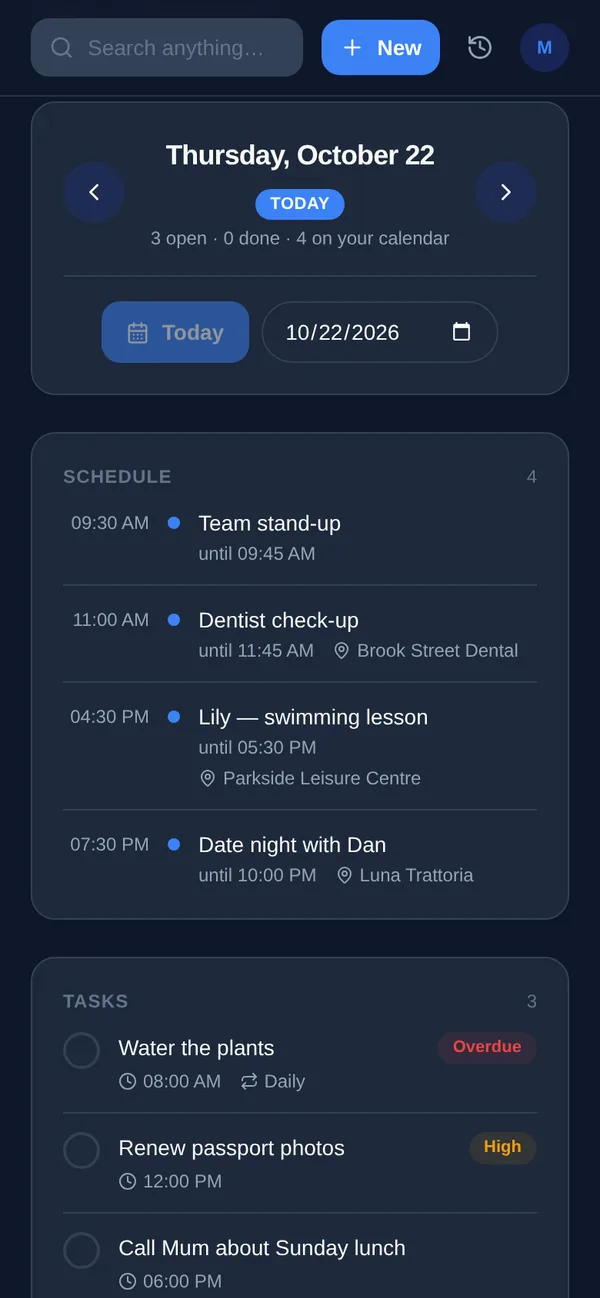
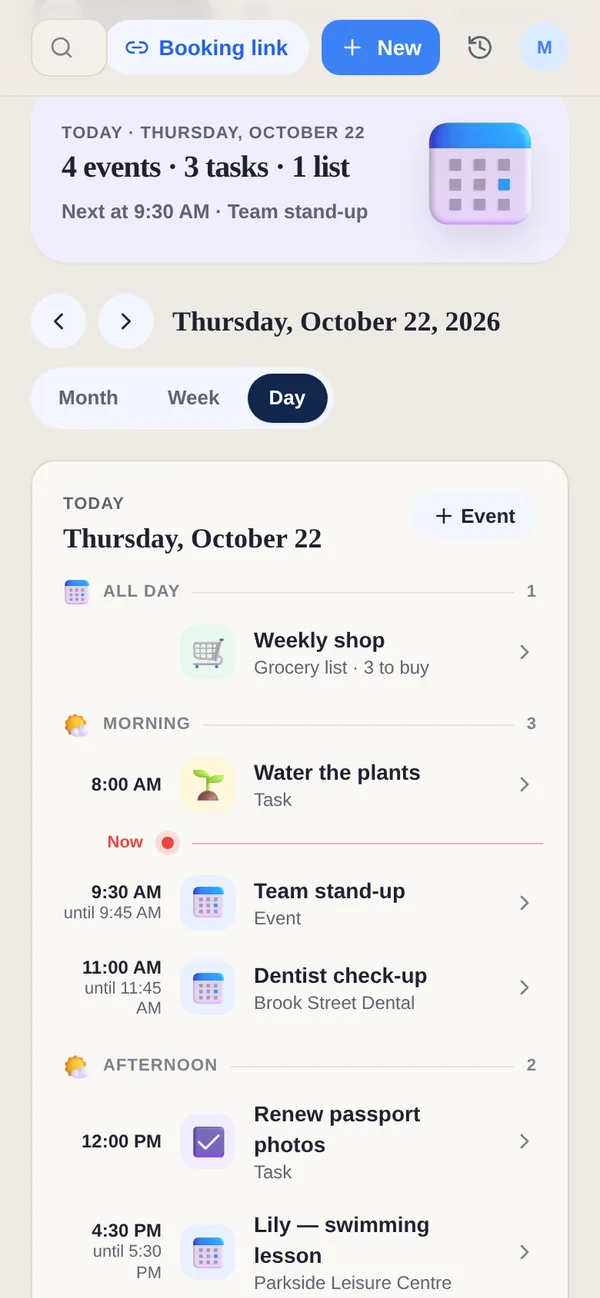
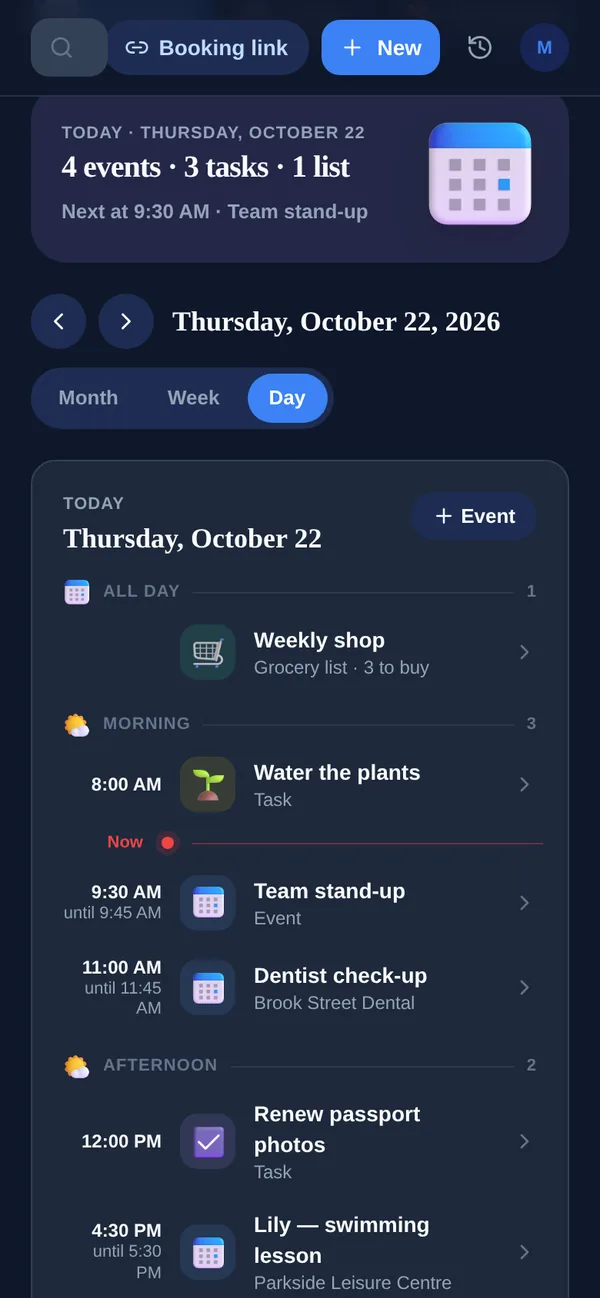
TickTick is one of the best all-round task managers — fast capture, a useful built-in calendar, habits, Pomodoro and an Eisenhower matrix, on every platform. Yuki starts elsewhere: instead of typing tasks in, it reads your inbox and builds a calendar, trips, expenses and shared plans on its own. TickTick organizes the work you already know you have; Yuki tracks everything life throws at your inbox. Which fits depends on where your bottleneck is.
| Feature | Yuki | TickTick |
|---|---|---|
| Auto-creates entries from your email inbox | Yes — parses receipts, bills, bookings, invites | No — manual entry; can forward email to create a task |
| Two-way sync with Google Calendar | Yes | Yes (Premium) |
| Expense & subscription tracking | Yes | No |
| Trip itineraries / travel planning | Yes | No |
| Tasks, habits & Pomodoro focus timer | Tasks and day organizer; custom focus/break timers on Pro | Yes — tasks, habits, Pomodoro, Eisenhower matrix |
| Natural-language AI assistant | Yes — Yuki AI conversational assistant | AI voice capture turns speech into tasks + smart date parsing + MCP; no conversational assistant |
| Shared lists & group coordination | Yes — couples, families, co-parents, roommates | Yes — shared lists & collaboration |
| Platforms & price | iOS, Android & web; free tier + Pro | iOS, Android, web, Mac, Windows; free tier + Premium (~$35.99/yr) |
Choose Yuki if…
- You want your calendar, trips and expenses to build themselves from email instead of being typed in by hand
- Your mental load is remembering bills, bookings and birthdays — not just organizing a task list
- You need to coordinate everyday logistics with a partner, family or roommates in shared groups
Choose TickTick if…
- You want a best-in-class task manager with habit tracking, a Pomodoro timer and an Eisenhower priority matrix
- You need native desktop apps (Mac, Windows), not just phone and browser
- Your core need is disciplined task and to-do management rather than pulling structure out of your inbox
Accurate as of July 2026. Product capabilities change — check each app’s current site for the latest.
Frequently asked questions
Does TickTick read my email like Yuki does?
No. TickTick lets you forward an email to create a task, but it does not scan your inbox or automatically extract bills, receipts, bookings or calendar events. Yuki connects to Gmail and turns those messages into calendar events, trips and tracked expenses without manual entry.
Can I track expenses or plan trips in TickTick?
No. TickTick focuses on tasks, calendar, habits and focus timing. It has no expense tracking or trip itinerary features. Yuki includes tracked expenses, subscription tracking and automatically built trip itineraries.
Does Yuki have habit tracking and a Pomodoro timer?
Yuki Pro, including the active Pro trial, has custom multi-step timers for focus, breaks, workouts and cooking. You can create repeating work-and-break rounds. This is not a claim of TickTick's dedicated habit tracker or Eisenhower matrix.
Does TickTick have AI features?
Yes, but they're aimed at task capture. TickTick's 2026 updates added an AI voice mode that turns spoken natural language into structured tasks, AI transcription and summaries for audio notes, and MCP support so you can connect an assistant like Claude or ChatGPT. It does not include a built-in conversational assistant. Yuki AI is a conversational natural-language assistant built into the app.