
Yuki Guide
Your day in Calendar
Your full day — personal and shared tasks, events, lists, occasions and the email that needs you.
Calendar’s Day view is where you run your day. Pick a date and it lays out everything on it, across your personal life and your groups, in one plan — and Yuki keeps it filled in from your inbox.
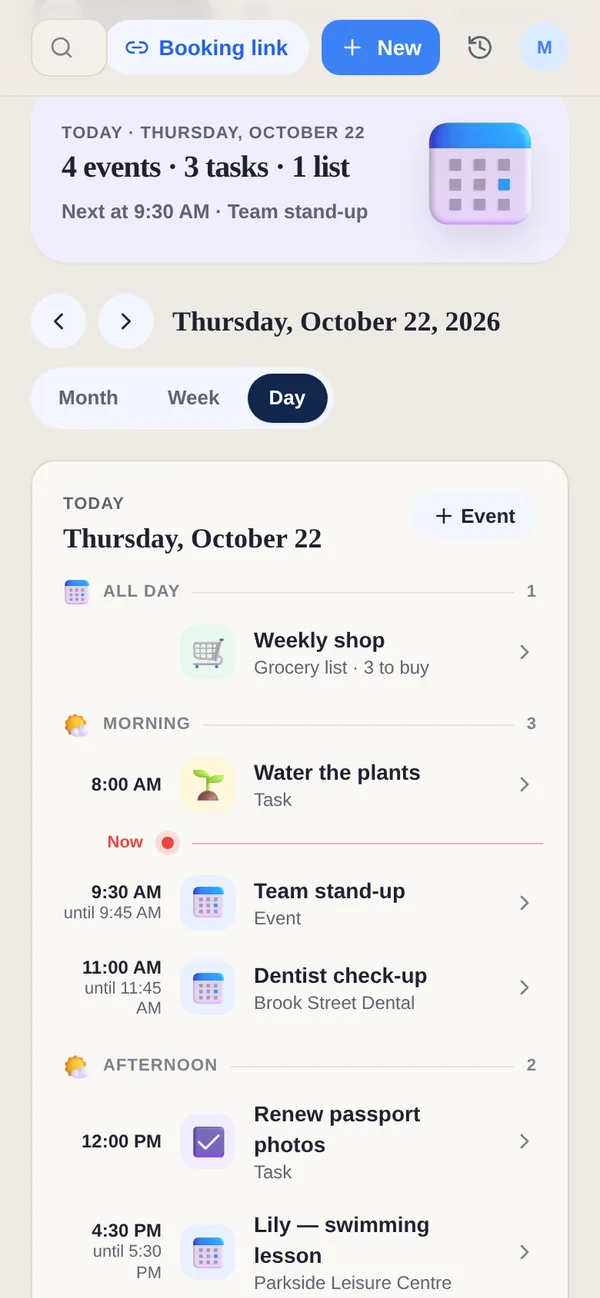
Plan of the day and Email
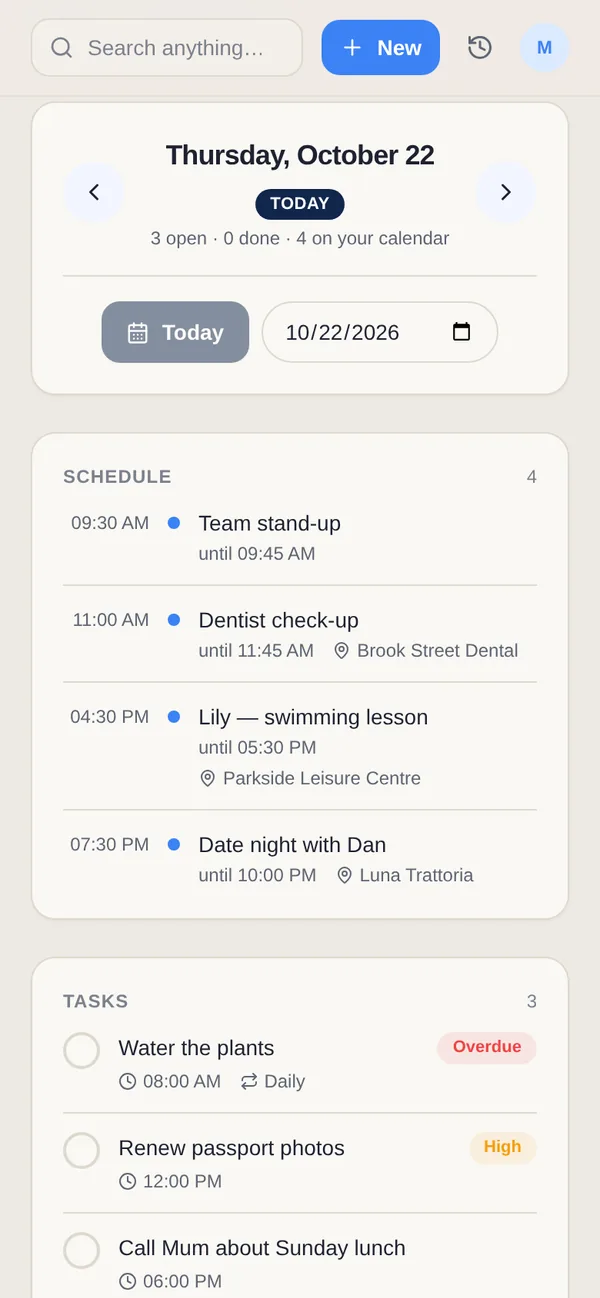
On your phone, the day has two segments. Plan of the day is the schedule; Email is the mail from your connected Gmail that actually needs you, with its own count, so it doesn’t clutter the plan. On the web, the same mail is under Email in the sidebar.
What the plan brings together
- Personal & group tasks — tick either kind off from here or from Home. A done task stays on the day, crossed out, so you can see what you got through.
- Events — yours, your groups’ and your Google Calendar’s, grouped into all day, morning, afternoon and evening, with a Now line.
- Grocery lists and occasions — a list planned for today and the birthdays worth a message.
Reply without leaving your day
When an email in the Email segment needs a short answer, reply to it right there. On Pro, Suggest reply drafts one for you to check and send.
Tip. Use the arrows or the date strip to move between days, or switch to Week or Month to see further ahead.