
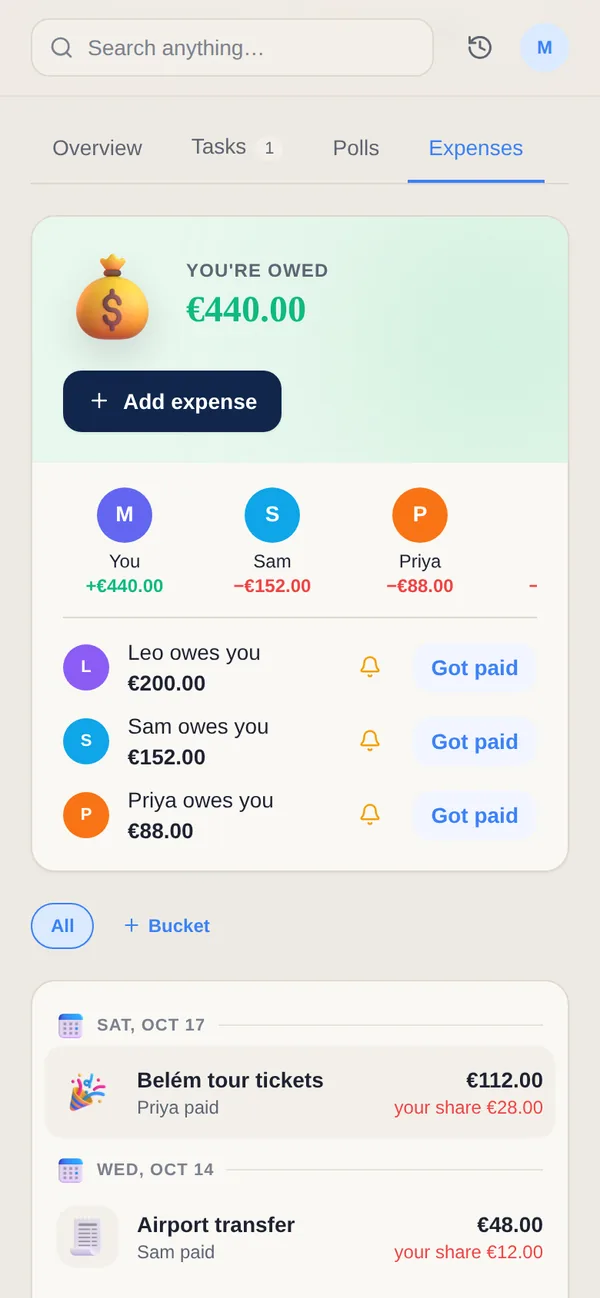
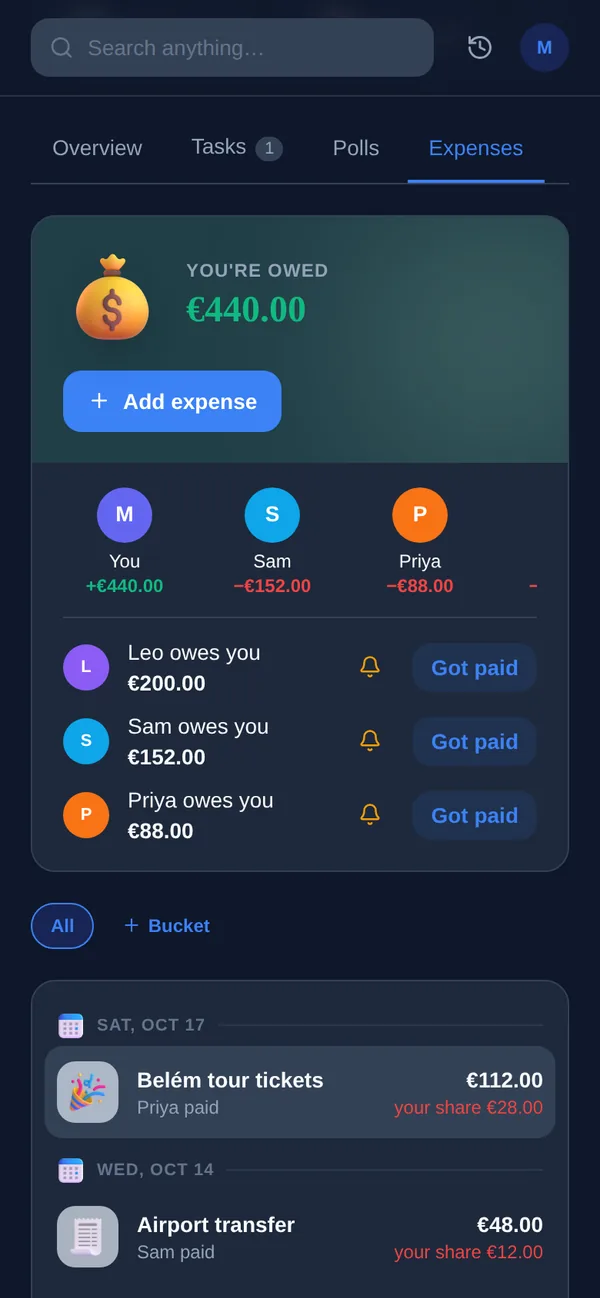
Most bill-splitting starts with someone typing every expense into an app by hand. Yuki starts a step earlier: it reads the receipts, bills and subscription renewals already arriving in your inbox and adds them straight to the group, so there's less to enter manually in the first place. When it's time to split something — dinner, rent, a shared subscription — choose an even split, a percentage per person, or an exact amount, and Yuki keeps a running balance for the whole group so everyone can see who owes what without asking.
How splitting works
- Even split — divide a cost equally across everyone in the group.
- Percentage split — set a different share per person, useful when incomes or usage differ.
- Custom amount — assign exact amounts when a split isn\'t proportional.
- Multi-currency — expenses in a different currency still track correctly.
- Auto-captured expenses — bills and receipts from your inbox land in the group without manual entry.
One shared balance. Every split expense feeds the same group balance, so settling up is one number, not a pile of receipts.
Frequently asked questions
How does Yuki split an expense?
Choose equal, percentage or a custom amount per person. Yuki calculates each person's share and keeps a running balance for the group.
Do I have to enter every expense by hand?
Not always. Yuki reads bills, receipts and subscription renewals from your connected inbox and adds them to your group automatically — you can also add anything manually.
Can a group split in more than one currency?
Yes. Yuki supports multi-currency expenses, so a shared trip abroad tracks correctly even when receipts come in a different currency.